
Introduction
One of the first things you’ll probably ask when you first start using Microsoft Power BI is, “What is the difference between Power BI Desktop and Power BI Service?”
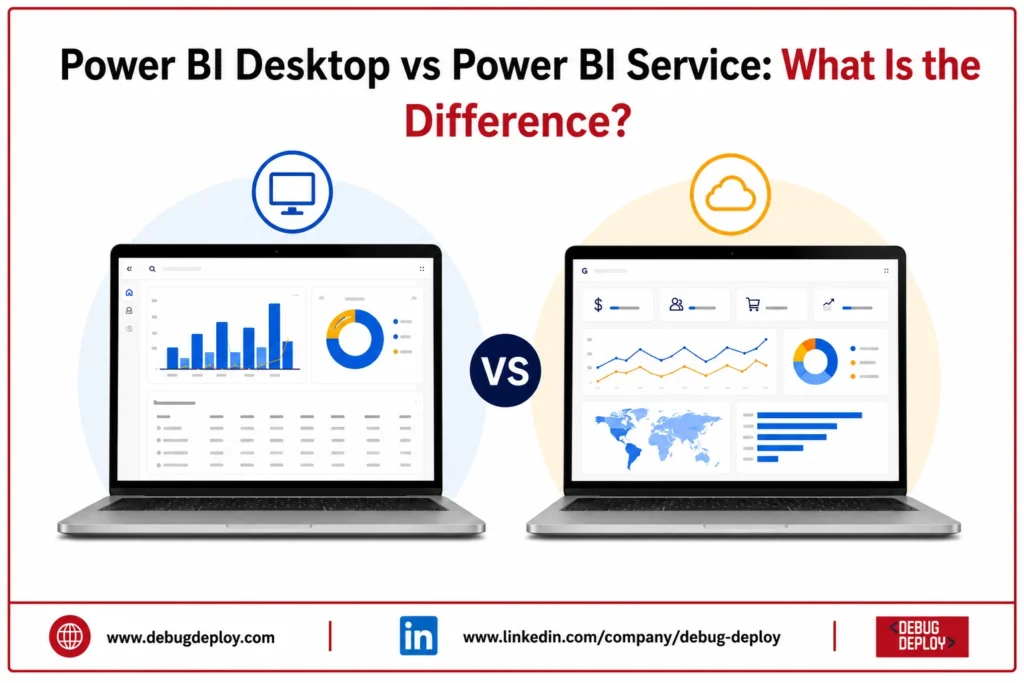
Despite being essential parts of the Power BI ecosystem, they serve distinct functions. While Power BI Service is a cloud-based platform that enables users to publish, share, collaborate, and manage those reports online, Power BI Desktop is used to generate reports, transform data, and construct data models.
Anyone learning Power BI, data analytics, or business intelligence must comprehend the distinction between these two tools. You will discover what each platform performs, how they vary, and when to use each in this guide.
What Is a Power BI Desktop?
Power BI Desktop is a free application for Windows that enables users to connect to data sources, clean and transform data, build data models, and create interactive reports.
It serves as the primary development environment where analysts and developers design dashboards before publishing them to the cloud.
With Power BI Desktop, users can:
Connect to multiple data sources
Transform data using Power Query
Create relationships between tables
Build calculated columns and DAX measures
Design interactive reports and dashboards
Save projects as PBIX files
Power BI Desktop is ideal for report development and advanced data analysis.
What Is Power BI Service?
Microsoft’s cloud-based business intelligence platform, Power BI Service, enables online report publishing, sharing, collaboration, and management.
Team members can see dashboards via a web browser or mobile device by publishing reports prepared in Power BI Desktop to Power BI Service.
Power BI Service enables organizations to:
Publish reports securely
Share dashboards with colleagues
Schedule automatic data refreshes
Create collaborative workspaces
Monitor business performance in real time
Access reports from anywhere
It is primarily designed for collaboration, report distribution, and centralized business reporting.
Power BI Desktop vs Power BI Service: Key Differences
1. Purpose
Power BI Desktop is designed for creating reports, modeling data, and building dashboards.
Power BI Service is designed for publishing reports, sharing insights, and collaborating across teams.
2. Installation
Power BI Desktop is installed locally on a Windows computer.
Power BI Service runs entirely in the cloud and is accessed through a web browser without any software installation.
3. Data Modeling
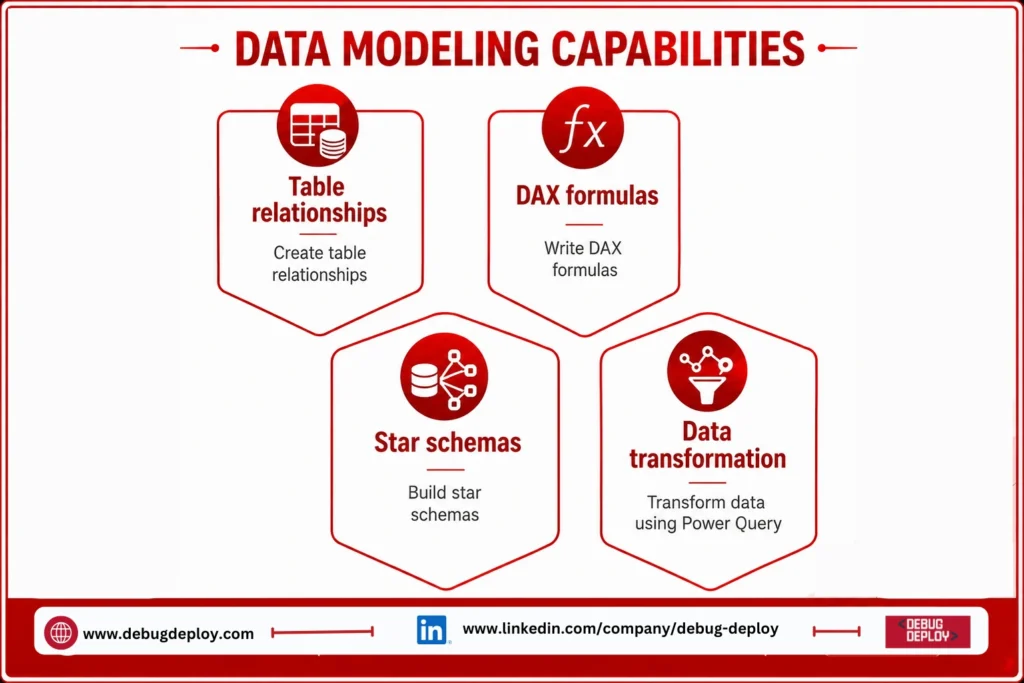
Power BI Desktop provides advanced data modeling capabilities.
Users can:
Create table relationships
Build star schemas
Write DAX formulas
Transform data using Power Query
Power BI Service offers only limited modeling capabilities because most development work is completed in Desktop.
4. Report Creation
Power BI Desktop includes all the tools needed to build professional dashboards and reports.
Power BI Service allows only minor report edits and dashboard customization after reports have been published.
5. Collaboration
Power BI Desktop is primarily intended for individual report development.
Power BI Service allows users to:
Share dashboards
Collaborate through workspaces
Manage user permissions
Comment on reports
Distribute business insights across departmentsThis makes
Power BI Service the preferred platform for organizational collaboration.
6. Data Refresh
Power BI Desktop requires users to refresh data manually while working on reports.
Power BI Service supports:
Scheduled refreshes
Automatic refreshes
Live data connections
Real-time dashboards
This ensures reports remain current without manual intervention.
7. Accessibility
Power BI Desktop is available only on the computer where it is installed.
Power BI Service can be accessed from:
Desktop web browsers
Laptops
Tablets
Smartphones
This flexibility allows users to view reports from virtually anywhere.
8. Report Sharing
Reports created in Power BI Desktop remain local until they are published.
Power BI Service allows reports and dashboards to be securely shared with colleagues, departments, and stakeholders.
9. Licensing
Power BI Desktop is completely free to use.
Power BI Service offers a free version with basic capabilities, while advanced collaboration, governance, and enterprise features require Power BI Pro or Power BI Premium licenses.
Power BI Desktop vs Power BI Service Comparison
Feature | Power BI Desktop | Power BI Service |
Primary Purpose | Report development | Report sharing and collaboration |
Platform | Windows application | Cloud-based platform |
Cost | Free | Free, Pro, and Premium |
Data Modeling | Advanced | Limited |
Power Query | Full support | Limited |
DAX Support | Full | Limited |
Dashboard Creation | Yes | Yes |
Collaboration | No | Yes |
Scheduled Refresh | No | Yes |
Mobile Access | No | Yes |
Report Sharing | No | Yes |
Real-Time Dashboards | No | Yes |
When Should You Use Power BI Desktop?
Power BI Desktop is the right choice when you need to:
Build reports from scratch
Transform and clean raw data
Create data models
Develop DAX calculations
Design interactive dashboards
Test reports before publishing
It is the preferred tool for Data Analysts, BI Developers, and report designers.
When Should You Use Power BI Service?
Power BI Service is ideal when you want to:
Publish reports online
Share dashboards with your organization
Collaborate with team members
Schedule automatic data refreshes
Monitor business performance
Access reports from any device
Executives, managers, and business users typically rely on Power BI Service to consume reports and monitor business metrics.
How Power BI Desktop and Power BI Service Work Together
Power BI Desktop and Power BI Service complement each other as part of a complete Business Intelligence workflow.
A typical workflow includes:
Connect to business data using Power BI Desktop.
Clean and transform the data.
Build relationships and calculations.
Design reports and dashboards.
Publish reports to Power BI Service.
Share dashboards with users.
Schedule automatic refreshes.
Monitor business performance using live dashboards.
Together, they provide a complete solution for creating, managing, and sharing business insights.
Which One Should Beginners Learn First?
Start with Power BI Desktop if you’ve never used Power BI before. The fundamental ideas of data preparation, modeling, visualization, and report production are taught.
Go on to Power BI Service to learn about publishing, collaboration, report sharing, security, and scheduled data refresh once you’re comfortable creating reports.
Gaining proficiency with both technologies will help you get ready for jobs as a data analyst, business intelligence analyst, Power BI developer, reporting analyst, and business analyst.
Related Reports
Conclusion
Although they are both crucial parts of Microsoft’s business intelligence platform, Power BI Desktop and Power BI Service have distinct functions. While Power BI Service concentrates on publishing, sharing, collaborating, and maintaining reports in the cloud, Power BI Desktop concentrates on generating reports, manipulating data, and developing analytical models.
Professionals employ both to create an end-to-end analytics solution rather than choose one over the other. Beginners can build useful business intelligence abilities and produce data-driven solutions that assist firms in making better decisions by comprehending the advantages of each platform.
Want to Master Power BI Desktop and Power BI Service?
Learn the differences between Power BI Desktop and Power BI Service with hands-on training from a Microsoft Certified Trainer (MCT). Build, publish, share, and manage enterprise-grade business intelligence solutions with confidence.
Recommended Microsoft Power BI Certification Programs:
PL-300: Microsoft Power BI Data Analyst
PL-900: Microsoft Power Platform Fundamentals
DP-900: Microsoft Azure Data Fundamentals
AZ-900: Microsoft Azure Fundamentals
✅ Live Instructor-Led Training
✅ Power BI Desktop Report Development
✅ Power BI Service Publishing & Collaboration
✅ Data Modeling, DAX & Power Query Training
✅ Workspace, Gateway & Data Refresh Configuration
✅ Certification Exam Preparation & Career Guidance
📧 Email: trainings@debugdeploy.com
📱 WhatsApp: Contact us for quick assistance
Master both Power BI Desktop and Power BI Service to create, publish, and share powerful business intelligence solutions that drive smarter business decisions.